AI iPhone Wallpaper Generator
Pick your exact iPhone model. The generator renders at that screen's native resolution and shows where the Dynamic Island sits, so nothing important ends up hidden.
1 Choose your iPhone
2 Describe your wallpaper
3 Generate
Pick a model and describe your scene.
How to make an AI wallpaper for your iPhone
Four steps, about a minute end to end. No app, no account, no watermark.
Pick your exact model
Not just "iPhone" — the specific model. Screen sizes differ by up to 570 pixels in width across generations, so generating at the wrong one either stretches the art or crops it.
Describe the scene
Write it the way you would describe a photograph to a friend. Or start from a preset and edit from there. Enhance expands a short idea into a full prompt with lighting and composition.
Check the safe zone
Toggle the overlay to see the Dynamic Island and home indicator. If the subject of your image sits under the island, regenerate with the subject moved toward the centre.
Download and set it
Download saves a JPEG at native resolution. On iPhone: Photos → share sheet → Use as Wallpaper, then choose lock screen, home screen, or both.
Why the model matters: iPhone screen resolutions
An iPhone wallpaper is not one size. Apple has shipped at least nine distinct panel resolutions since the iPhone X, and a file built for one will look soft or cropped on another. This table is what the generator uses when you select a model.
| Model group | Native resolution | Aspect ratio |
|---|---|---|
| iPhone 18 / 17 / 16 Pro Max | 1320 × 2868 | 19.5:9 |
| iPhone 18 / 17 / 16 Pro | 1206 × 2622 | 19.5:9 |
| iPhone 17 Plus / 16 Plus | 1290 × 2796 | 19.5:9 |
| iPhone 17 / 16 / 15 / 14 Pro | 1179 × 2556 | 19.5:9 |
| iPhone 14 Plus / 15 Plus | 1284 × 2778 | 19.5:9 |
| iPhone 13 / 12 series | 1170 × 2532 | 19.5:9 |
| iPhone 11 / XR | 828 × 1792 | 19.5:9 |
| iPhone SE (3rd gen) | 750 × 1334 | 16:9 |
Two things follow from this. First, a "4K wallpaper" is meaningless for a phone — 4K refers to a 3840-pixel width, while the widest iPhone panel is 1320 pixels across. Second, matching the native resolution exactly means iOS never has to rescale your image, which keeps fine detail intact.
What the safe zone is, and why it matters
Since the iPhone 14 Pro, the Dynamic Island occupies a pill-shaped cutout near the top of the screen. At the bottom, the home indicator draws a thin horizontal bar that gets brighter over light wallpaper. Both sit on top of whatever you set as wallpaper.
That means a portrait, a horizon line, or a focal point placed in the top 8% of the image can end up partly obscured. The Safe zones toggle in the preview draws both areas as dashed outlines, so you can judge placement before you commit. Practically: keep the main subject in the vertical middle third, and let the sky or background carry the top.
AI iPhone wallpaper examples
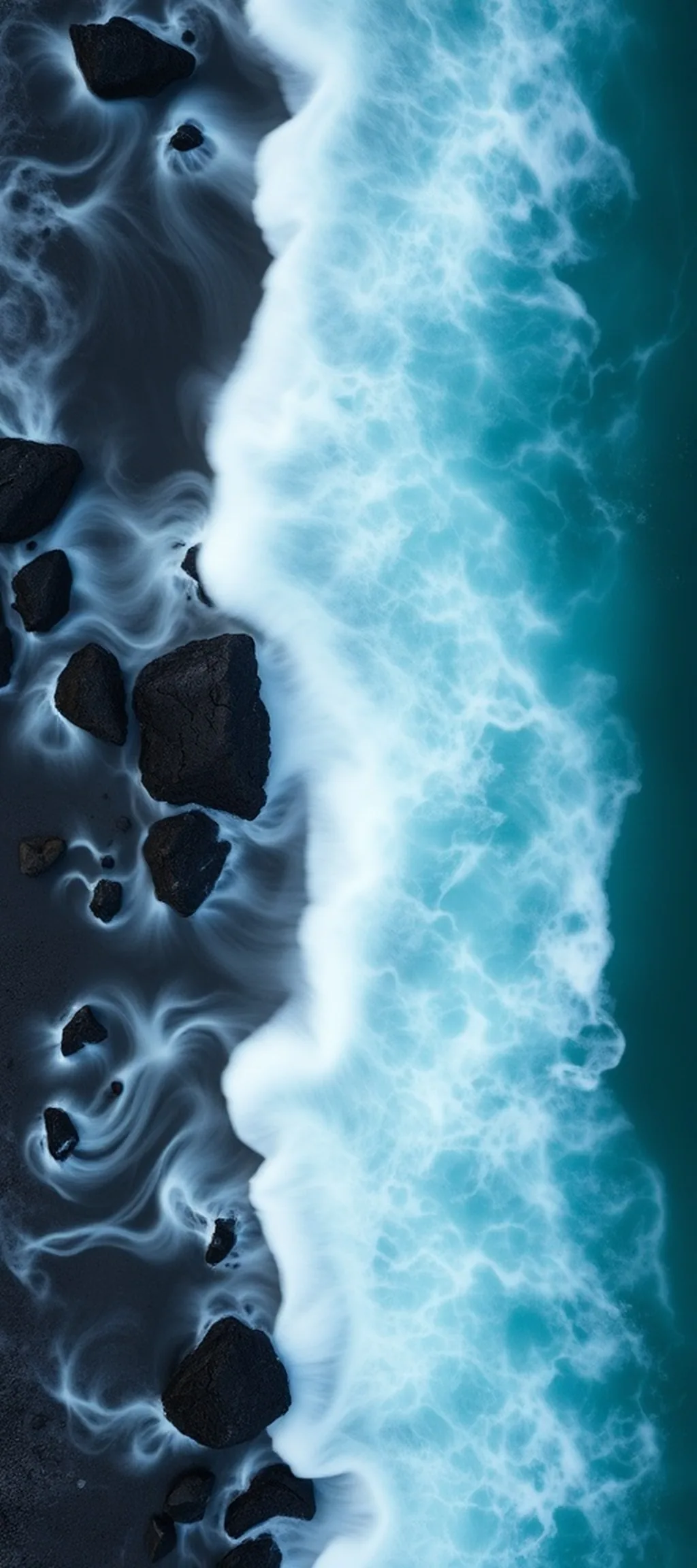
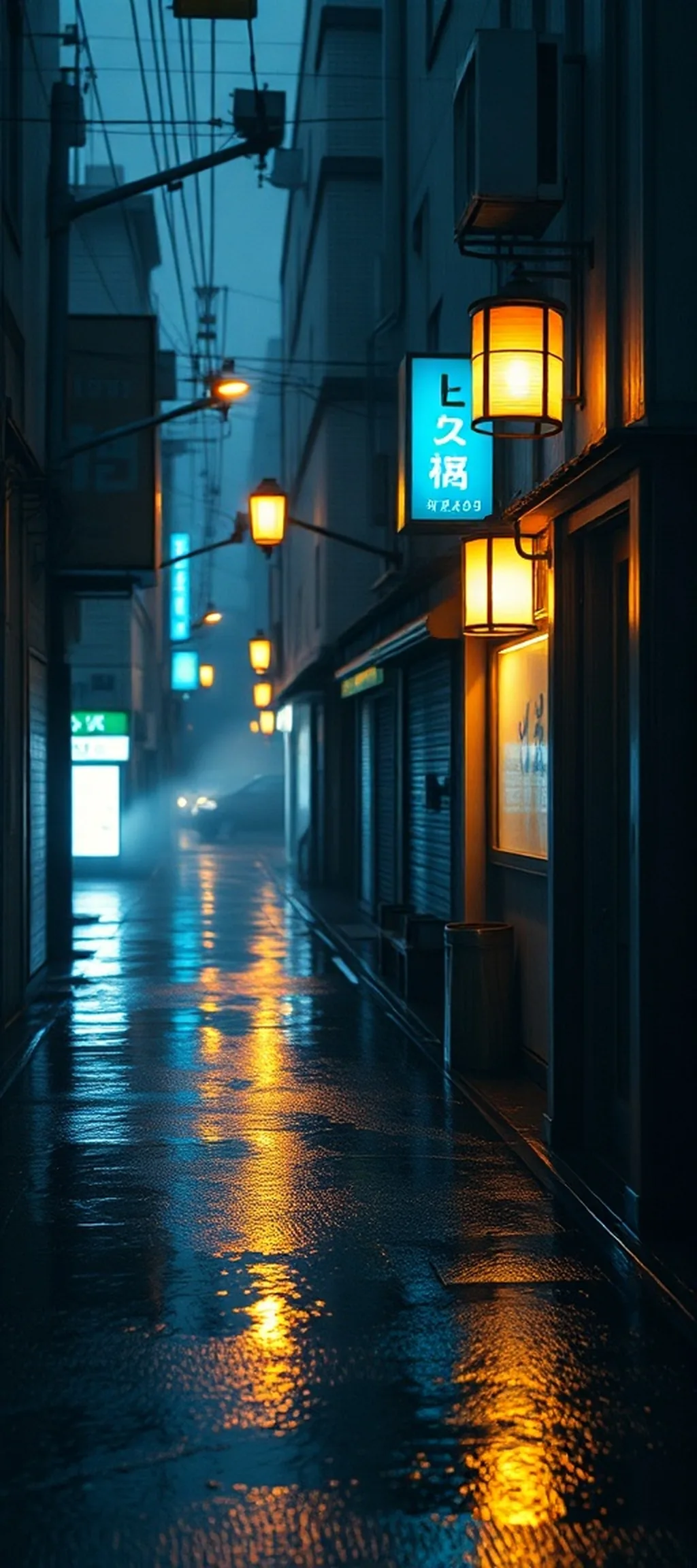
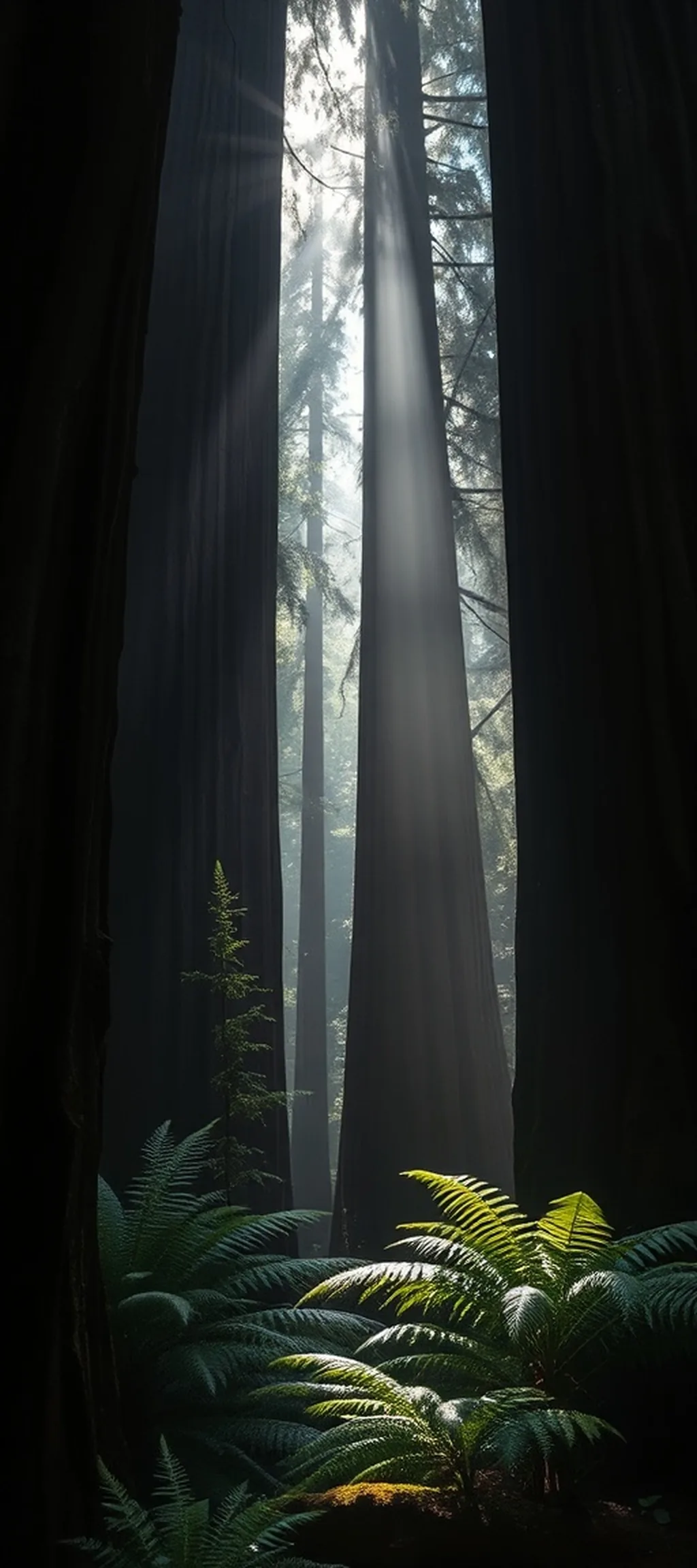
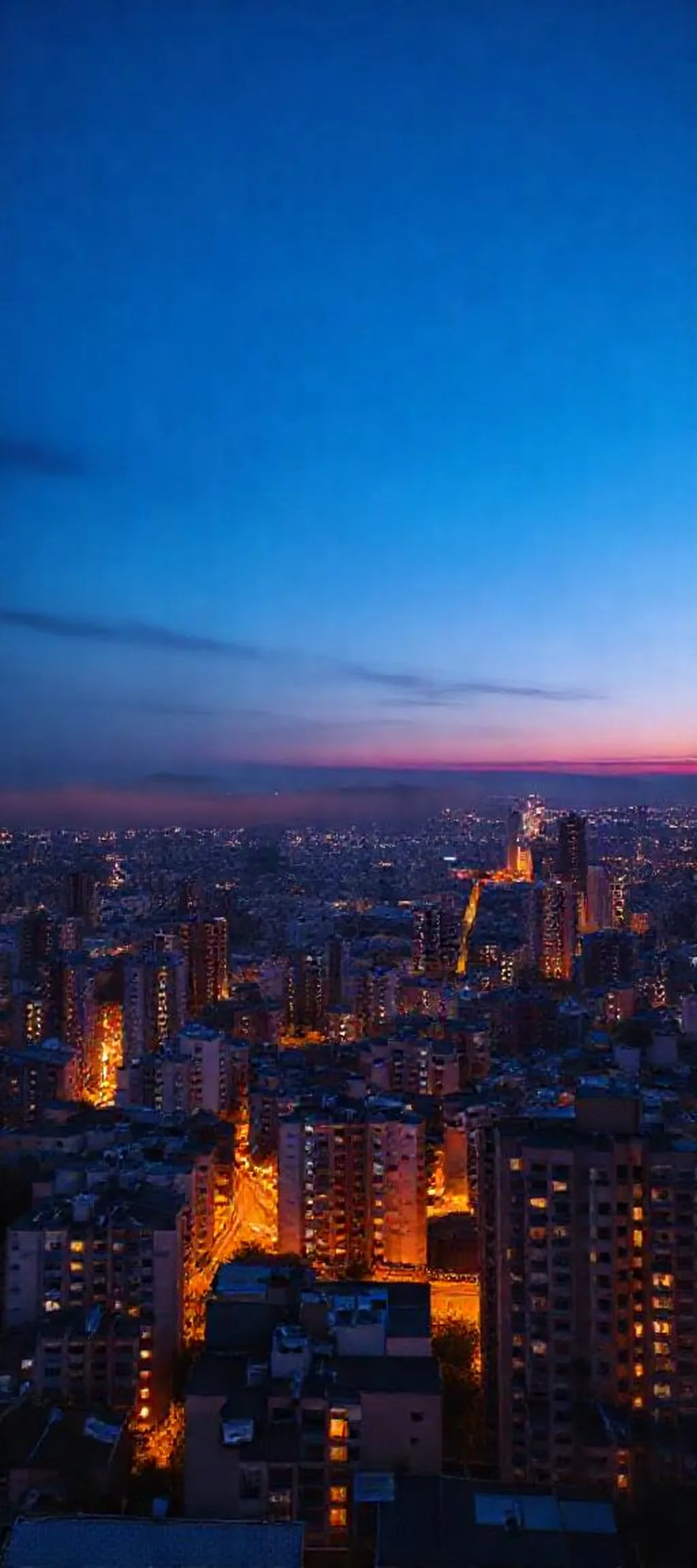
Ten pieces made with this tool, each generated in portrait orientation and upscaled to iPhone resolution. Tap Copy prompt to start from the same description, or hit Download for the full-size file.






How this differs from a generic wallpaper generator
| Generic AI wallpaper tool | This generator | |
|---|---|---|
| Screen size | One generic portrait ratio | Native resolution for 30 iPhone models |
| Dynamic Island | Ignored | Marked in preview, guidance to avoid it |
| Prompt help | Free-text only | AI enhancement plus six tuned presets |
| Output | Fixed small size, sometimes watermarked | Full native resolution JPEG, no watermark |
| Signup | Often required | None — two free generations per day |
What you can create
Landscapes and nature
Mountain ridges at first light, long-exposure seascapes, desert dunes, forest interiors. These work well because they leave open space at the top — exactly where the clock sits.
City and street scenes
Rain-soaked alleys and blue-hour skylines. Ask for shallow depth of field to keep the background soft, which makes home screen icon labels easier to read.
Abstract and minimal
Fluid ink, gradients, liquid metal, geometric low-poly terrain. The most practical category for a home screen, because there is no subject that can be cut off.
Cosmic and fantasy
Nebulae, aurora curtains, alien skies. Vivid and high contrast, best on a lock screen where the clock has a shadow for legibility.
Frequently asked questions
What resolution should an iPhone wallpaper be?
It depends on the model. Recent Pro Max models use 1320×2868, Pro models 1206×2622, iPhone 17 uses 1179×2556, the Plus models use 1290×2796 or 1284×2778, and iPhone SE uses 750×1334. The generator sets the correct size once you choose a model.
What is the safe zone on an iPhone wallpaper?
The area covered by system elements — the Dynamic Island or notch at the top, and the home indicator at the bottom. Wallpapers placed there get partly hidden. The preview includes a toggle that overlays those regions.
Is this iPhone wallpaper generator free?
Yes. Two generations and two prompt enhancements per day, no account. Downloads are JPEG at native resolution, no watermark.
Can I use the wallpapers commercially?
The images come from a third-party AI model. Fine for personal use and most creative projects, but check the provider's terms before putting them on products or using them as a trademark.
Why does the preview look softer than the downloaded file?
The generation model returns a base image smaller than an iPhone screen. On download it is upscaled to your model's exact pixel dimensions with a high-quality resampling pass, so the file fills the screen without stretching.
How do I get unlimited wallpaper generations?
Connect your own Pollinations account with the button under the generate panel. After signing in, the page uses your accounts quota instead of this sites free allowance, so the two-per-day cap no longer applies. You can disconnect at any time, and the connection is stored only in your browser session.
Do I need to install an app?
No. It runs in the browser. On iPhone, save the result to Photos and assign it as lock or home screen wallpaper.
Also on AndroidPonsel
- AI Wallpaper Generator for Android — same engine, 70+ Android phone models from Samsung, Xiaomi, Pixel and more.
- Android app reviews and comparisons — hands-on looks at tools worth installing.
- Tech news — launches, updates and hardware coverage.